A Pilot Project
TypeWriter for Education
A calm, secure place for students to take assessments — and a faster way for teachers to grade.
Teachers who want to give a secure assessment are usually stuck with two poor options when it comes to distractions and cheating: detection tools that guess whether a student cheated, or monitoring software that watches over their shoulder. Both are beatable, and neither gives students a clean, quiet place to actually do their work.
There's a better way — a genuinely locked testing environment running on the Chromebooks schools already have. TypeWriter takes that idea and points it at the assessments teachers give every week, not just once a year: document-based questions, essays, and multiple choice, with grading and feedback built in.
Real Classwork
Build your own assessments: free-response essays with source documents, auto-graded multiple choice, or custom formats, with easy import.
Grading Built In
Score against your own rubric, give feedback, and choose how to return graded work to students — in app, on paper, or elsewhere.
Locked by Design
Built to run as a locked ChromeOS kiosk on managed school Chromebooks — the browser is the test and nothing else, closing the gaps detection and monitoring tools leave open.
This is an early pilot and an educational prototype, still in active development — shared to show how the teacher experience works and to gather feedback. The locked ChromeOS environment described above is the direction we're building toward; this prototype demonstrates the assessment and grading workflow, and does not yet enforce that lockdown.
For Teachers
Bring TypeWriter to your classroom
Request to join the Pilot — you'll receive login instructions from hello@typewriter.education.
For Students
Already have a code from your teacher?
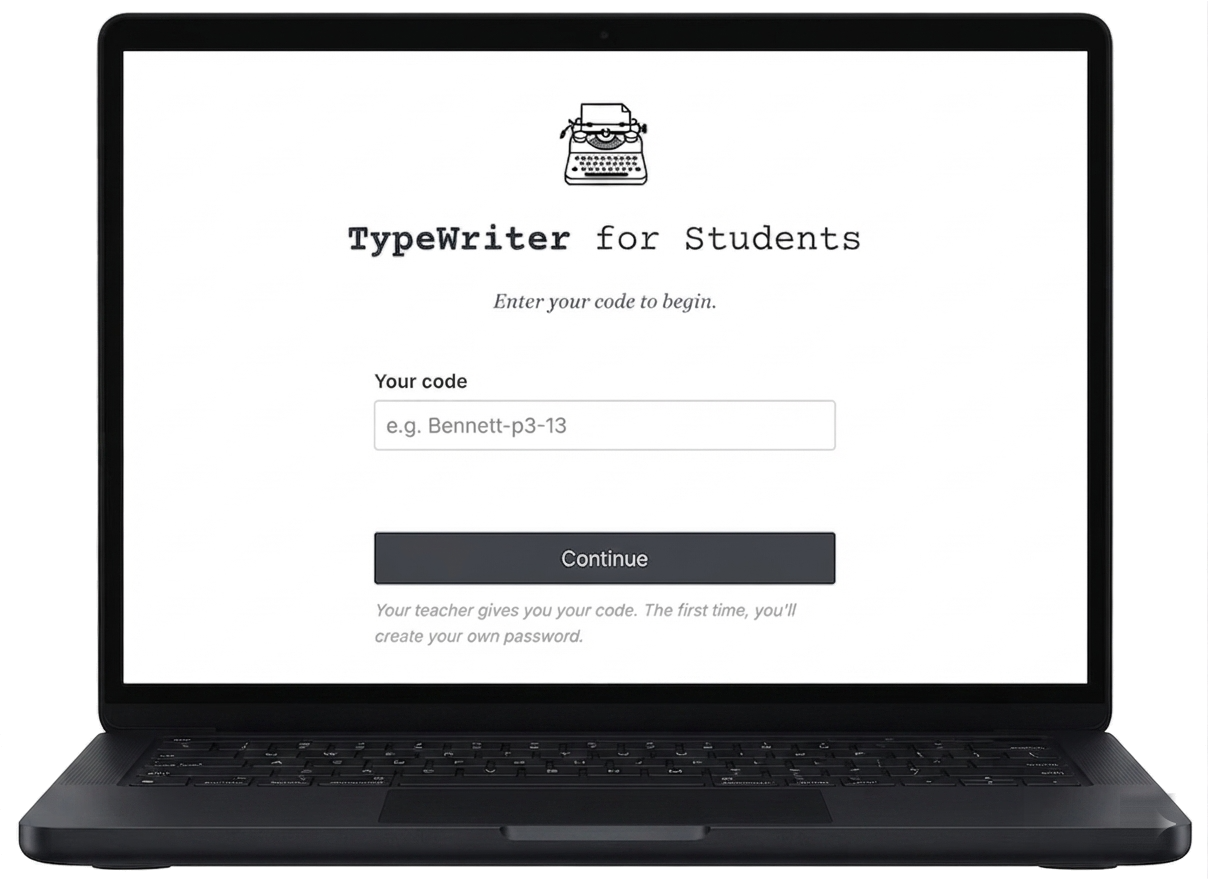
Enter the code your teacher gave you to take an assessment or view your feedback. The first time, you'll create your own password.
Join as Student